 English
  日本語
日本語  Deutsch


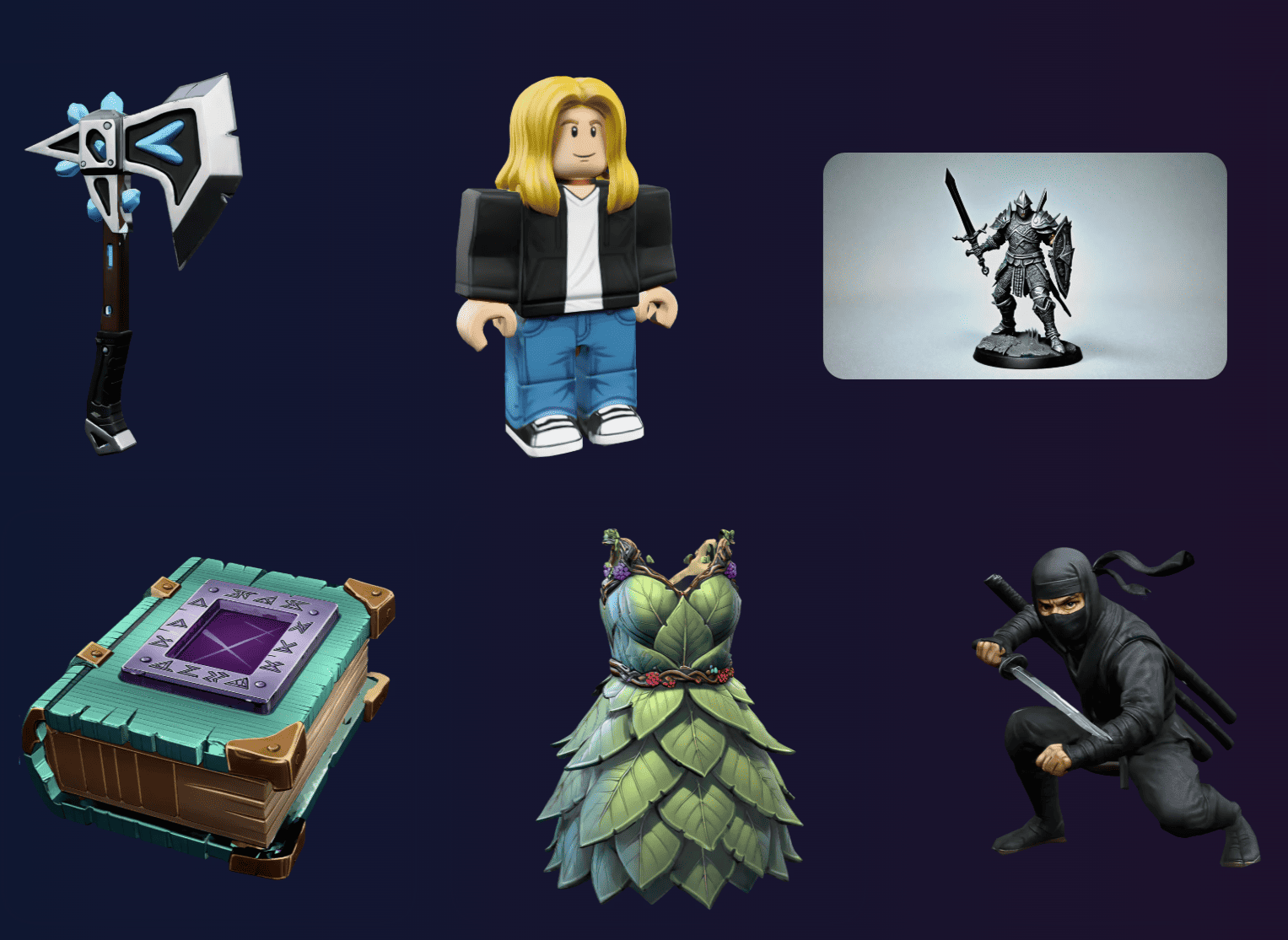
Image Source: Sloyd
Sloyd
Sloyd is a browser-based generative AI studio focused on turning simple prompts, images, or editable templates into clean, exportable 3D assets suitable for rapid prototyping and basic 3D printing workflows. Sloyd combines prompt-driven generation with parametric templates and editing controls so you can quickly iterate a form, tune dimensions, and export STL/OBJ files without a deep CAD background, which makes it especially useful for designers and makers who want a low-friction path from idea to print.
Its image-to-3D and text-to-3D features let you start from a photo or a short description, and then refine the result inside the web app, trimming unwanted details, adjusting scale, hollowing parts for material savings, or adding simple mounting geometry, before exporting. Sloyd also exposes texture and mesh quality settings and advertises print-ready presets so hobbyists and small studios can avoid common slicing headaches. Because the outputs are designed to be editable, you can take a generated mesh into a slicer or a mesh repair tool, run standard checks for watertightness, and produce a successful print faster than starting from scratch in traditional CAD.
For teams that iterate quickly, Sloyd’s combination of template control plus AI smoothing cuts down repetitive modeling work while keeping the generated geometry practical for downstream remeshing or reinforcement when a higher-strength, production part is needed.
Magic3D
Magic3D began as an NVIDIA research approach that pushed text-to-3D generation toward higher fidelity and textured meshes by using a coarse-to-fine diffusion strategy that leverages multi-resolution supervision and 2D diffusion priors to synthesize geometry and appearance together, and commercial implementations inspired by that research now let creators generate far more detailed meshes than earlier text-to-3D experiments. The method’s emphasis on a two-stage pipeline (a faster low-res pass followed by a higher-res refinement) produces output that’s closer to a usable, editable mesh with UVs and textures, which is crucial if you plan to retopologize, hollow, or add print-specific features before slicing.
In practical terms, Magic3D-style tools let you take a concise natural-language prompt, optionally anchor the generation with an input reference image, and receive a textured 3D model you can inspect, scale, and retarget for additive manufacturing, and while very fine polymer prints or metal parts will still need engineering checks and possibly retopology and thickening of thin features, the raw output shortens the early concepting stage dramatically. It’s particularly valuable for concept prototypes, aesthetic pieces, or non-structural parts where the visual form is the main objective.
Because Magic3D’s research lineage focused on improving resolution and speed compared to earlier methods, the family of tools that implement its approach tends to be faster and produce higher-resolution textured meshes, which makes them practical starting points for artists and product designers who then do targeted mesh cleanup for printable geometry.
3DAI Studio
3DAI Studio positions itself as an all-in-one AI asset pipeline that converts images, sketches, or short textual descriptions into detailed 3D models with additional tooling for remeshing, PBR texturing, and model refinement, so the result is closer to something you can use in games, AR, or rapid prototyping. The platform’s public materials and case studies emphasize speed and realism, claiming drastically reduced turnaround for concept art to finished geometry. It offers workflows that include image-to-3D conversion, automatic UV generation, and options to retexture or simplify geometry depending on the target use.
For 3D printing practitioners, 3DAI Studio’s value comes from delivering higher-detail meshes and PBR maps that can be downsampled, hollowed, or otherwise prepared for printing in a separate mesh-repair, and its remeshing and clean-up tools help take the noisy captures or generative outputs and produce a topology that’s easier to edit for manufacturability; teams that need lots of variations or rapid concept iterations benefit from the batch and templating features that reduce repetitive retopology work.
The platform also integrates with common DCC tools and exports standard formats, which means designers can bring a 3DAI output into Blender, MeshLab, or a slicer to add structural reinforcements, correct wall thicknesses, and run the usual watertightness checks before printing.
Tripo AI
Tripo AI is an accessible web tool that converts 2D images or plain text prompts into surprisingly sharp, topology-aware 3D models in seconds and includes ancillary features like intelligent segmentation, auto-rigging, stylization, and direct plugin support for common engines and DCC tools, which makes it attractive for creators who want a lightweight, immediate pipeline from concept art to printable geometry.
Upload an image or write a brief description, and Tripo’s generator will output a clean mesh with options for solid geometry, stylized forms, or poseable characters, and it offers export formats suitable for both digital use and downstream editing for 3D printing. For 3D printing use cases, Tripo’s intelligent segmentation and auto-retopology reduce the initial cleanup work. You can designate which parts should be solid, which should be hollowed, and which need reinforced joints before export, then perform final adjustments in a mesh editor or slicer.
Tripo also exposes an API and plugins that let studios integrate generation into larger pipelines, and while print-critical parts still require engineering verification, Tripo excels at rapid prototyping, toy and prop creation, and providing starting geometry that dramatically reduces the manual modeling hours traditionally spent on early-stage shapes.
Meshy
Meshy is an AI-driven 3D model generator that focuses on producing production-ready meshes from text or images with attention to clean topology, export flexibility, and a friendly web experience that appeals to artists, game developers, and makers who need quick, usable 3D assets.
Meshy’s marketing and tutorials highlight features such as image-to-3D conversion, text prompt generation, and direct exports in common formats, plus tools to turn a generated model into an animated preview or a short 3D video, which helps stakeholders visualize an object before committing material and print time. For 3D printing, Meshy’s edge is that the generated meshes often require less retopology compared to raw research outputs. Meshy also benefits smaller studios by providing an iterative, fast creative loop. The combination of speed and relatively clean geometry makes Meshy a practical first step in ideation pipelines where multiple visual variations need to be explored before selecting a single design for engineering refinement and final printing.
 0
0


COMMENTS
- Be the first to share your thoughts!