 English
  日本語
日本語  Deutsch


What Is VRML?
VRML stands for Virtual Reality Modeling Language. It was originally developed for interactive 3D graphics on the web, but it later found a place in 3D visualization and 3D printing workflows. A VRML file can store the shape of a model, but it can also include color, material, and texture information.
That is the key difference between VRML and formats like STL. STL is great for geometry, but it does not store surface color or texture. VRML can do more than describe a shell. It can help preserve the look of the model as well.
VRML files are commonly saved with the extensions .wrl or sometimes .vrml. In 3D printing, the format is often used when the final part needs to show multiple colors or visual details that should appear in the printed object.
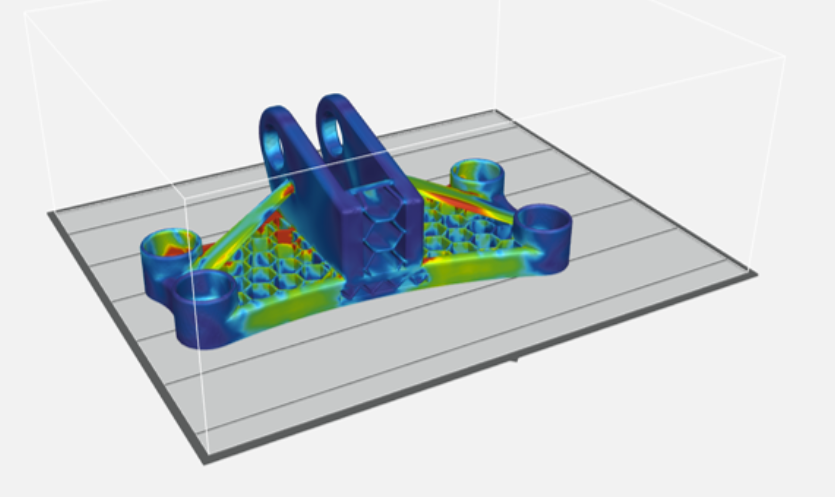
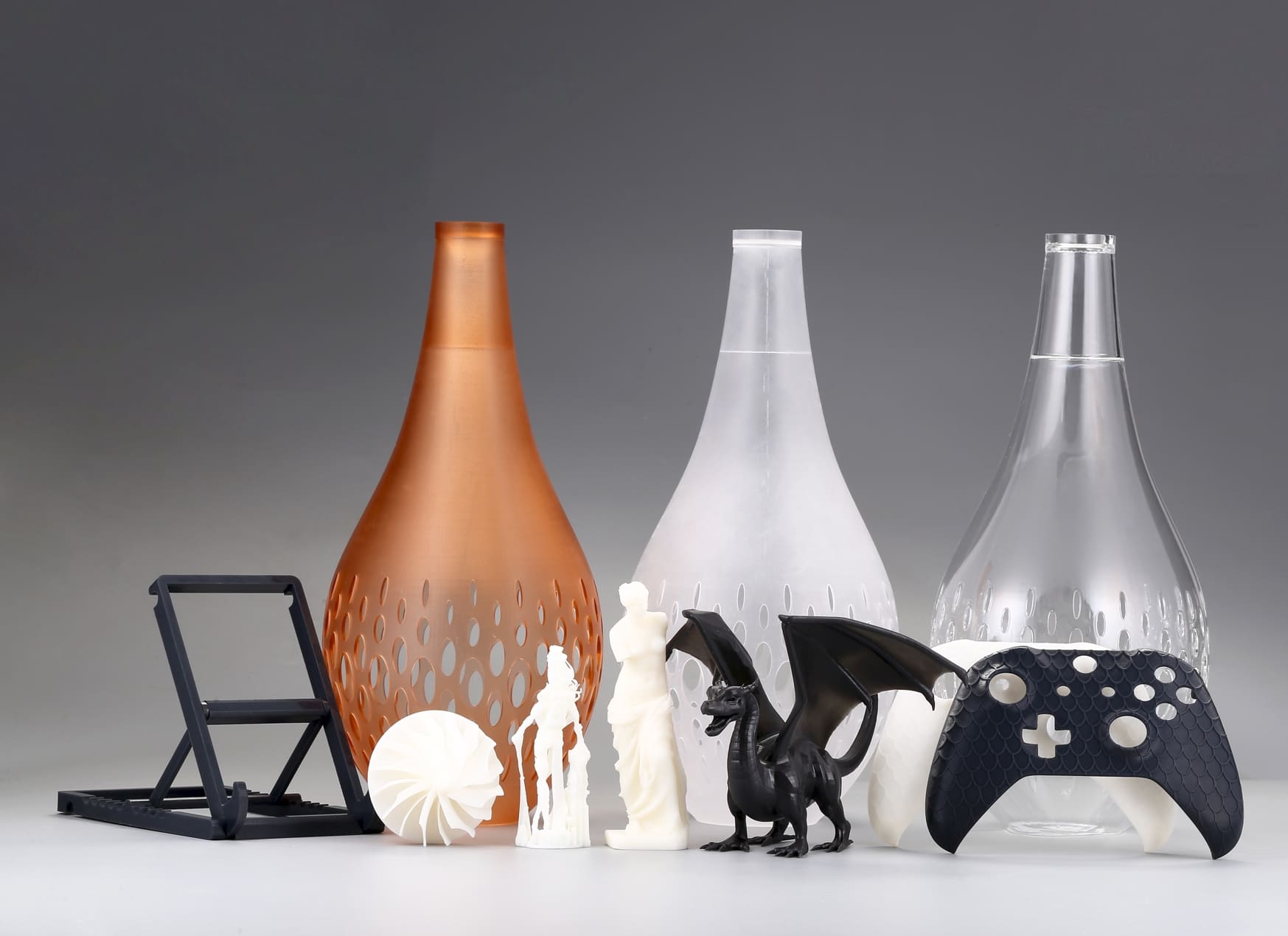
Image Source: FACFOX
VRML in 3D Printing
In 3D printing, VRML is mainly used for full-color printing and visual prototyping, which is especially helpful when a model is meant to show branding, labels, surface markings, or different colored areas. Instead of printing a plain monochrome part and painting it later, a VRML file can help transfer color information into the print workflow.
VRML is useful in industries such as product design, education, medical visualization, architecture, and consumer presentation models. For example, a company may use VRML for a prototype that needs to show logos and color zones. A school may use it for a model that illustrates anatomy or geography. In both cases, the purpose is not just structural accuracy. The visual appearance also matters.
VRML is not always necessary for functional parts. If a part only needs to be strong and dimensionally correct, a simpler format may be enough.
VRML File Structure and Features
A VRML file stores 3D information in a structured text-based format. It can describe several important elements of a model:
Geometry
The file defines the model’s shape through vertices, edges, and faces. This is the base structure that makes the object printable.
Color Data
VRML can assign colors to different parts of the model. This may include per-face color or region-based color, depending on the export method and software support.
Texture Mapping
Some VRML files can reference texture images that are wrapped around the surface of the model. This allows logos, labels, or detailed patterns to appear on the printed part, depending on the printer’s capabilities.
Material Properties
VRML can also include surface appearance settings that affect how the model is rendered in software.
Multiple Objects
A single VRML file can contain more than one object, which is useful for assemblies or models with separate-colored sections.
Pro and Cons of Using VRML
Pros
• Supports color information.
This is the biggest advantage. VRML can preserve visual details that are lost in STL.
• Useful for presentation models.
If the final printed part needs to look realistic or branded, VRML is a strong option.
• Helpful for full-color printing workflows.
Some 3D printing services accept VRML because it can carry more visual data than simpler formats.
• Good for design communication.
VRML can help teams share a model that looks closer to the final product.
Cons
• Less common than newer formats.
VRML is not the first choice in many modern workflows. Formats like 3MF are often preferred today.
• Can be harder to manage.
Textures, linked files, and color data may need extra care during export and upload.
• Compatibility may vary.
Not every slicer or printer supports VRML in the same way.
• Can create larger or messier files.
Compared with STL, VRML may involve more data and more points of failure.
When to Use VRML for 3D Printing
VRML works best when the printed part needs visual detail. It is a smart choice in the following situations:
Full-Color Parts
If your printer or service provider supports color printing, VRML can help preserve the model’s color layout.
Product Demos and Marketing Samples
A prototype that needs to impress clients often benefits from color and surface detail.
Educational Models
VRML is useful for models that need color-coded sections, such as medical or scientific teaching aids.
Branded or Labeled Objects
Logos, patterns, and color divisions can make a printed part easier to understand or present.
Concept Models
When the goal is to show how something will look, not just how it fits together, VRML can be a practical file format.
On the other hand, if you are printing a mechanical part, a replacement bracket, or a simple test piece, VRML may be unnecessary. In those cases, STL or 3MF may be easier to handle.
Troubleshooting Common Issues with VRML Files
VRML files can run into problems during export, upload, or slicing. Here are some common issues and how to approach them.
Missing Colors or Textures
Sometimes the model imports correctly, but the colors do not appear. This often happens when texture files are missing or the software does not read the color data properly. Make sure all linked image files are saved in the correct location and included with the export.
Broken Mesh
A model may look fine in one program but contain holes, flipped faces, or non-manifold geometry. These errors can affect printing. Before exporting, check that the model is watertight and clean.
Scale Problems
VRML files may import at the wrong size if units are not handled correctly. Always verify the scale before printing, especially if the file came from another software package.
Software Incompatibility
Some slicers interpret VRML differently, or they may not support every VRML feature. If the file does not open properly, try another slicer or convert the model to a more modern format when possible.
Texture Path Issues
If the model uses external texture files, the VRML file may fail to display them if the paths are incorrect. Keep all related files together in one folder and avoid renaming them after export.
Color Appears Different after Import
A model may open, but the colors look washed out or shifted. It can happen because of software limitations or material constraints in the printing process. Always preview the file in the same environment you plan to use for printing.
VRML vs OBJ
|
Aspect |
VRML |
OBJ |
|
Full name |
Virtual Reality Modeling Language |
Wavefront OBJ |
|
Main use in 3D printing |
Often used for colored 3D print workflows |
Common for 3D models and colored visualization files |
|
Color support |
Can carry color information more directly in many printing workflows |
Can support color, but often depends on MTL files or software-specific export settings |
|
Texture support |
Can include texture information |
Can also use textures through companion files |
|
Software support |
Less common in modern design software |
Very widely supported across modeling tools |
|
Ease of use |
May be less convenient because of older workflow support |
Usually easier to open, edit, and share |
|
Best for |
Full-color print transfers and presentation models |
Broad modeling use, visualization, and some color print workflows |
|
Main limitation |
Older format with more compatibility limits |
Color handling can vary by software and export method |
 0
0


COMMENTS
- Be the first to share your thoughts!
![STL File Guide [Updating]](/Uploads/202412/677216e3ed6e2.jpg)