 English
  日本語
日本語  Deutsch


What Is an AI 3D Model Generator?
An AI 3D model generator is a software tool that uses artificial intelligence to create a three-dimensional model from user-provided input. The most common workflows are text-to-3D and image-to-3D.
With text-to-3D, users describe the desired object in natural language. With image-to-3D, an AI system analyzes a reference image and reconstructs the object's three-dimensional form. Some platforms also support multiple reference images, sketches, or other multimodal inputs.
Compared with traditional 3D modeling, AI generation can significantly reduce the time required to create an initial asset. However, an AI-generated model is not necessarily production-ready. Geometry, topology, dimensions, textures, and other properties may still require inspection or refinement.
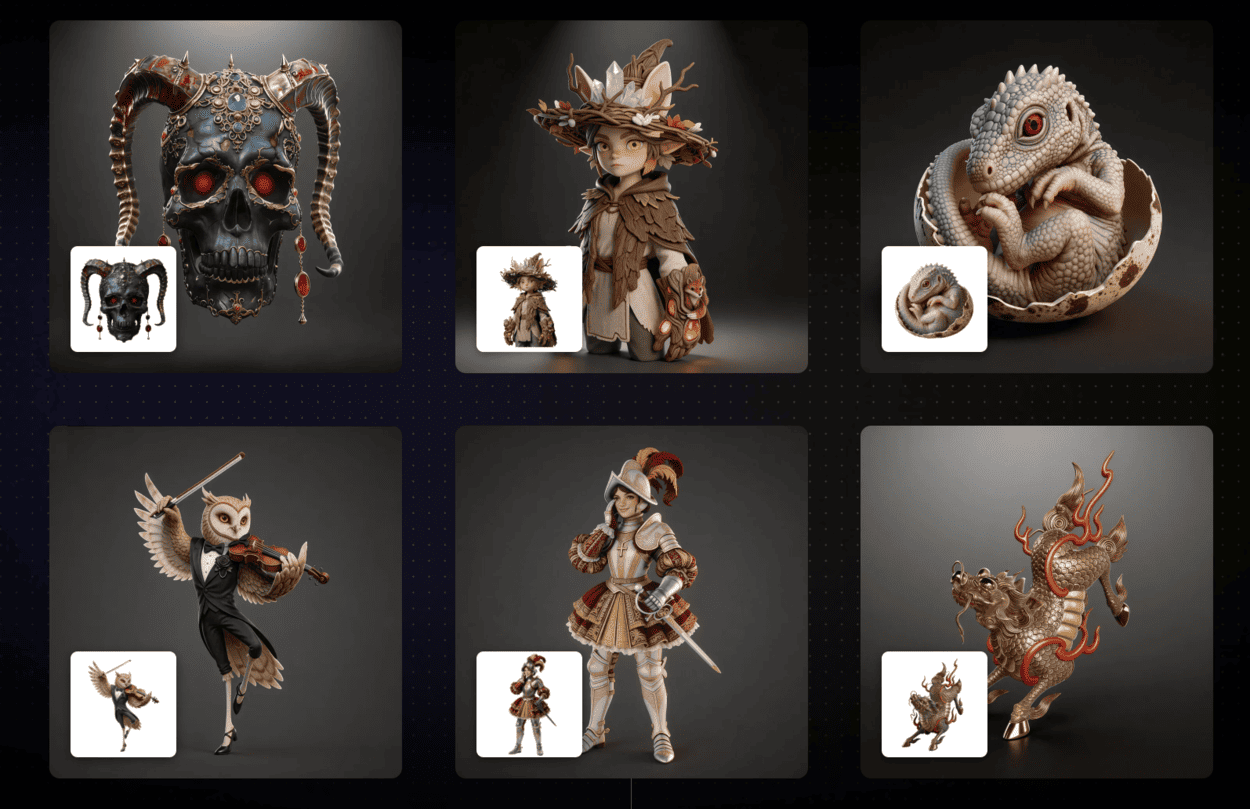
Image Source: Tripo
What Can You Create with an AI 3D Model Generator?
AI 3D model generators can create a broad range of digital assets.
✅ Characters and creatures: Generate people, animals, fantasy characters, and collectible figures for games, animation, or visualization.
✅ Game assets: Create props, furniture, buildings, vehicles, and environmental objects for game development and interactive applications.
✅ Product concepts: Turn product ideas and reference images into preliminary 3D models for visualization and concept development.
✅ Decorative objects: Figurines, sculptures, ornaments, toys, and other visual objects are well suited to AI generation.
✅ 3D printing models: AI can also generate models that can eventually be turned into physical parts. However, the resulting mesh should be checked for printability before fabrication.
Overall, the main advantage of an AI 3D model generator is speed. It can provide useful starting geometry without requiring users to build every surface manually.
Best AI 3D Model Generators in 2026
1. Meshy
Best for: All-around AI 3D creation
Meshy is a widely used AI 3D platform supporting both text-to-3D and image-to-3D generation. It also provides texturing, remeshing, rigging, and other asset-related tools, making it suitable for game assets, visualization, and general 3D creation. Meshy also offers a free plan with limited monthly credits.
2. Tripo AI
Best for: Fast AI 3D generation
Tripo supports text-to-3D, image-to-3D, and multi-view generation. Its platform emphasizes fast generation and high-detail models, while its current H3.1 model supports detailed geometry and PBR materials. Tripo also provides a free plan, although generation credits and commercial-use conditions depend on the selected plan.
3. Neural4D
Best for: Production-oriented and 3D-printable models
Neural4D stands out for its focus on watertight geometry and downstream workflows. Its Direct3D-S2 engine supports text and image inputs and is designed to generate watertight triangular meshes. Neural4D states that its base generation takes about 90 seconds, with exports including OBJ, FBX, GLB, and STL. It also offers a free tier, making it a particularly interesting free AI 3D model generator for users who want to experiment with printable meshes.
4. Hyper3D Rodin
Best for: High-detail 3D assets
Rodin focuses on high-quality 3D generation from text and images. It is particularly suitable when users prioritize detailed geometry and realistic materials. Rodin supports common formats such as OBJ, STL, and GLB, making it useful for digital asset workflows as well as selected 3D printing applications.
5. Hi3D
Best for: High-fidelity generation and 3D printing
Hi3D v3.0 is designed around high-fidelity 3D generation, with the platform highlighting 2048³ geometry and up to 8K PBR materials. It supports image-to-3D and integrates features specifically aimed at physical output, including model optimization, smart arrangement, multi-format export, and connections to slicers such as Bambu Studio and OrcaSlicer. Hi3D also provides free access for users who want to test its generation capabilities.
6. Sloyd
Best for: Editable and customizable assets
Sloyd combines AI generation with procedural and template-based modeling. This approach gives users more control over certain generated assets than a completely fixed AI mesh. Its image-to-3D workflow also supports models intended for 3D printing and exports formats including STL, GLB, FBX, and OBJ.
7. 3D AI Studio
Best for: Exploring multiple AI 3D workflows
3D AI Studio provides a browser-based environment for generating 3D models from text and images. It is useful for creators who want to experiment with different AI-powered workflows without building a local setup. The platform also provides a free option, although some advanced capabilities require paid access.
8. Fast3D
Best for: Extremely fast AI 3D generation
Fast3D focuses heavily on speed. The platform supports both text-to-3D and image-to-3D, including single-image and multi-image workflows, and states that models can be generated in around 10 seconds under its fast-generation workflow. It also provides different mesh-density options and supports applications including gaming, 3D printing, AR/VR, and product development. Free generation is available to get started, while commercial use of generated models is associated with paid subscriptions.
AI 3D Model Generator Comparison
|
AI 3D Model Generator |
Text-to-3D |
Image-to-3D |
Free Option |
Main Strength |
3D Printing Potential |
|
Meshy |
Yes |
Yes |
Yes |
All-around AI 3D creation |
High |
|
Tripo AI |
Yes |
Yes |
Yes |
Fast and high-detail generation |
High |
|
Neural4D |
Yes |
Yes |
Yes |
Watertight, production-oriented meshes |
High |
|
Hyper3D Rodin |
Yes |
Yes |
Limited |
High-detail 3D assets |
High |
|
Hi3D |
Yes |
Yes |
Yes |
High-fidelity generation and 3D printing |
High |
|
Sloyd |
Yes |
Yes |
Yes |
Editable and customizable assets |
High |
|
3D AI Studio |
Yes |
Yes |
Yes |
Flexible AI 3D workflows |
Medium-High |
|
Fast3D |
Yes |
Yes |
Yes |
Extremely fast generation |
Medium-High |
Can AI-Generated 3D Models Be Used for 3D Printing?
Yes, but an AI-generated model should generally be treated as a starting point rather than automatically considered a production-ready 3D printing file.
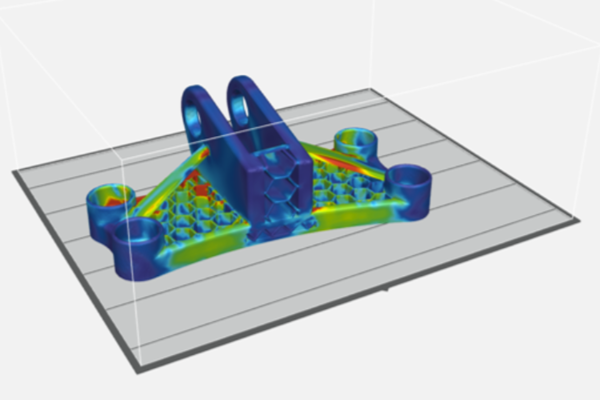
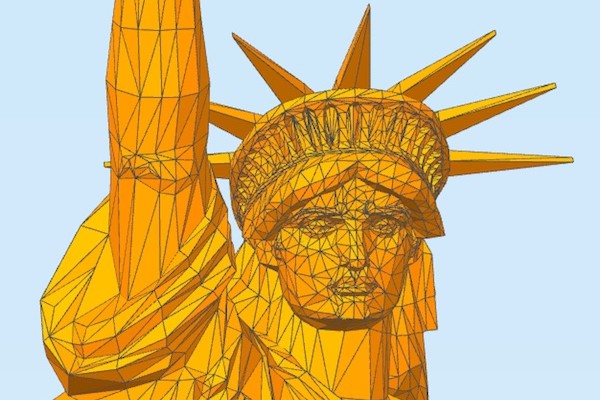
AI systems are primarily optimized to create visually convincing 3D geometry. As a result, generated meshes can sometimes contain holes, non-manifold edges, intersecting surfaces, unsupported features, thin walls, or inaccurate dimensions.
Before 3D printing, the model should be checked for:
✅ Watertight geometry: The mesh should form a continuous printable volume without unwanted gaps or open surfaces.
✅ Wall thickness: Thin sections should be evaluated against the capabilities of the selected 3D printing process and material.
✅ Dimensions and scale: AI-generated models do not necessarily contain reliable real-world dimensions, so the model should be scaled according to the intended application.
✅ Geometry and mesh quality: Excessively dense or problematic geometry may need to be repaired, simplified, or otherwise optimized.
✅ Print orientation: Orientation and support requirements should be reviewed before slicing.
A typical workflow is: AI generation → Mesh inspection → Repair and optimization → Slicing → 3D printing
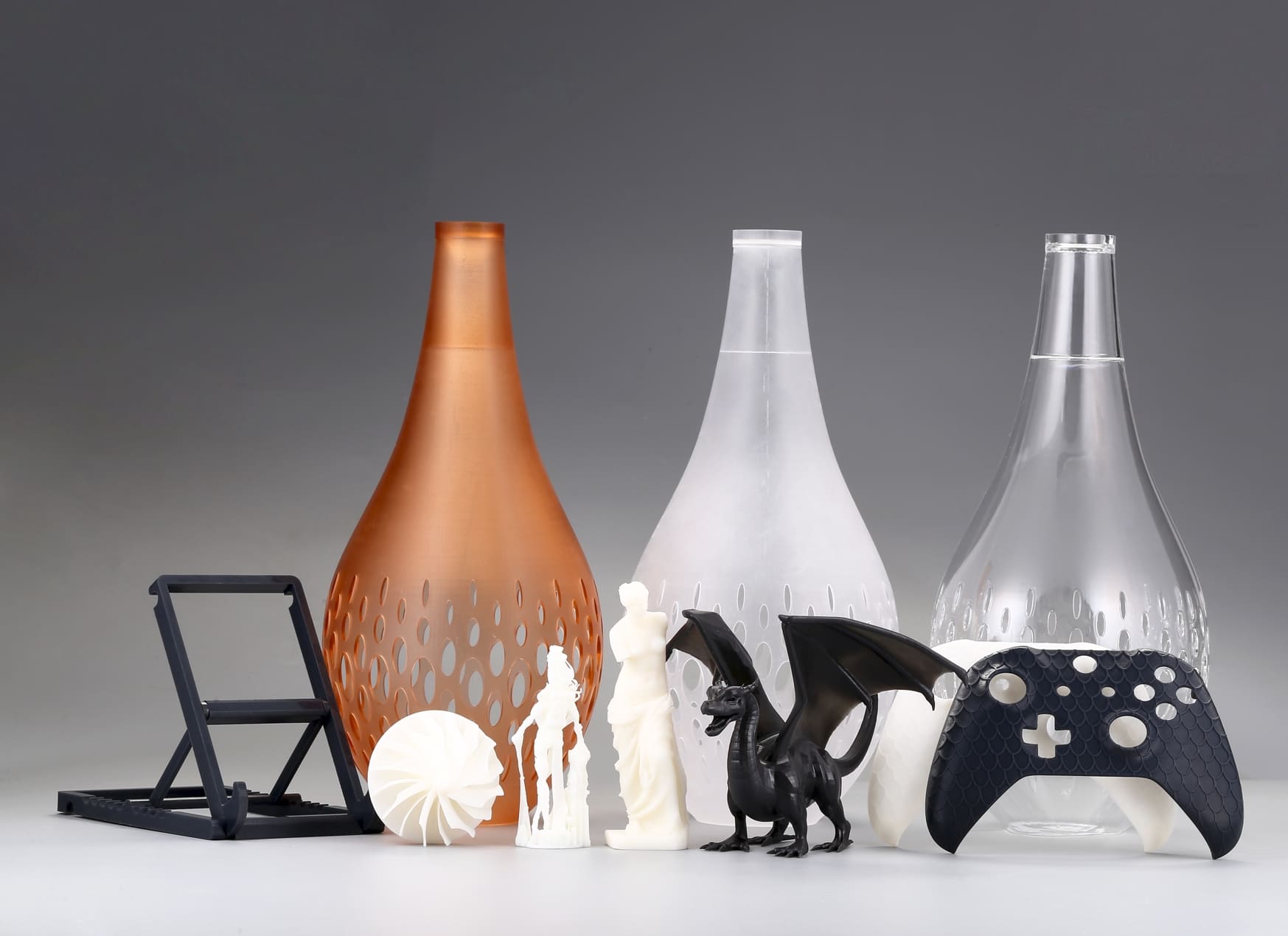
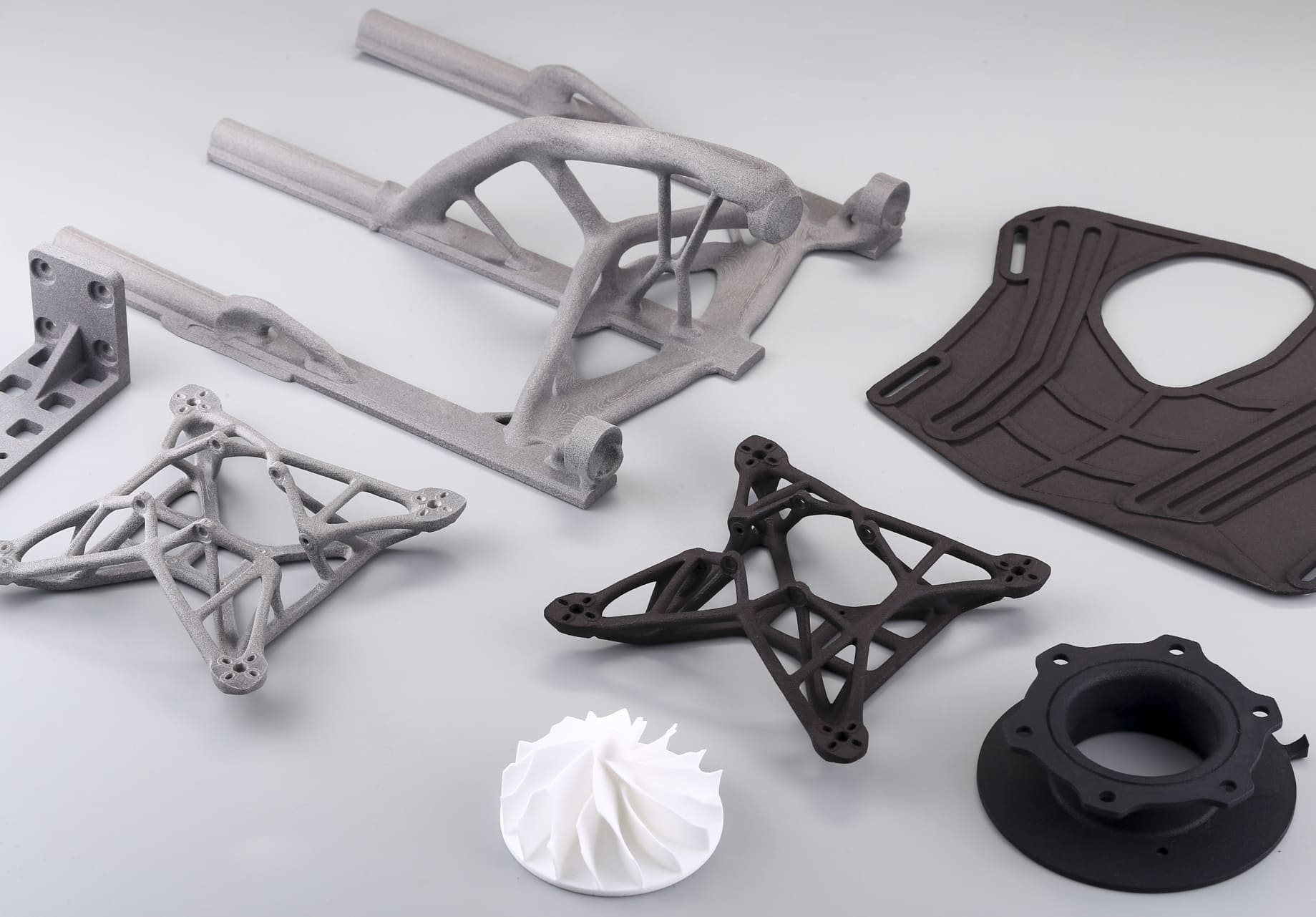
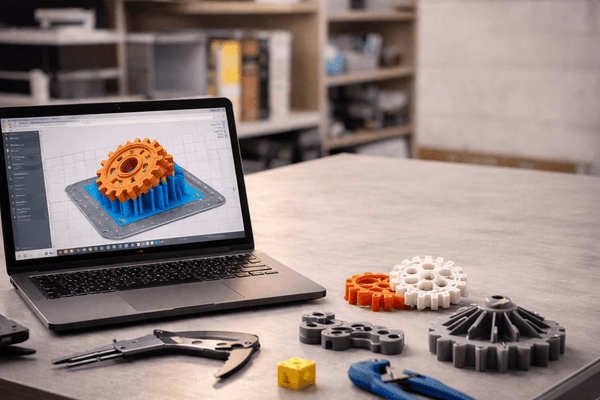
Once the AI-generated model has been checked and prepared for production, the next step is choosing a suitable 3D printing service. 3DSPRO provides professional 3D printing services for both prototypes and production parts, supporting technologies including SLM, SLA, SLS, MJF, DLP, and LCD, along with a wide range of materials and post-processing options.
3DSPRO is a practical option for turning an AI-generated 3D model into a physical part. Users can upload their model, select the appropriate manufacturing process and material, and have the part produced based on their project requirements.
For simple figurines, decorative objects, and concept models, AI-generated geometry may require only minor preparation before printing. For functional or dimension-critical parts, additional model validation and optimization are recommended before manufacturing.
AI 3D model generators are therefore best viewed as accelerators for 3D creation. They can dramatically shorten the path from an idea or reference image to a usable model, while professional 3D printing services such as 3DSPRO can provide the manufacturing step needed to turn that digital model into a physical part.
 0
0


COMMENTS
- Be the first to share your thoughts!
![STL File Guide [Updating]](/Uploads/202412/677216e3ed6e2.jpg)